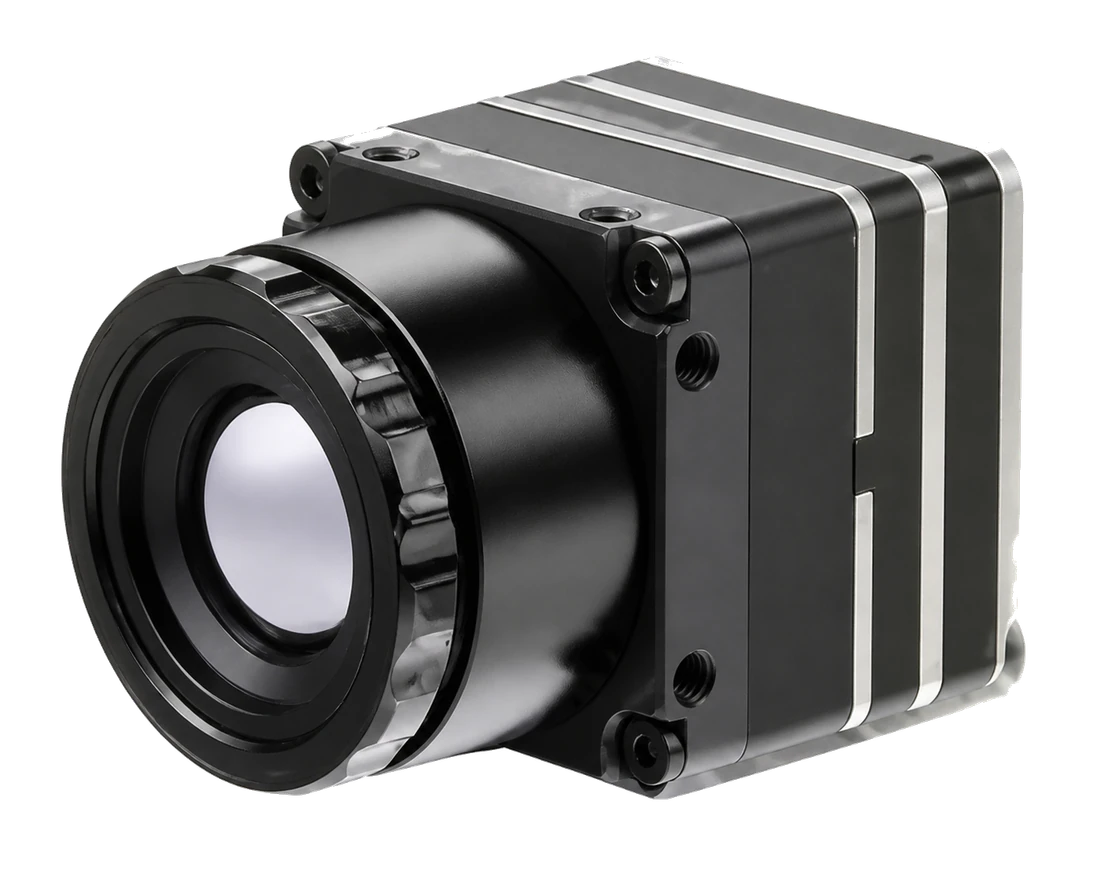
Imaging channel
Thermal observation, visible imaging, or a system that uses both channels.
APPLICATION BRIEF
Build thermal imaging into your equipment. Start with the scene the core needs to see, then agree how the image, controls and power connect to your host.
Discuss this application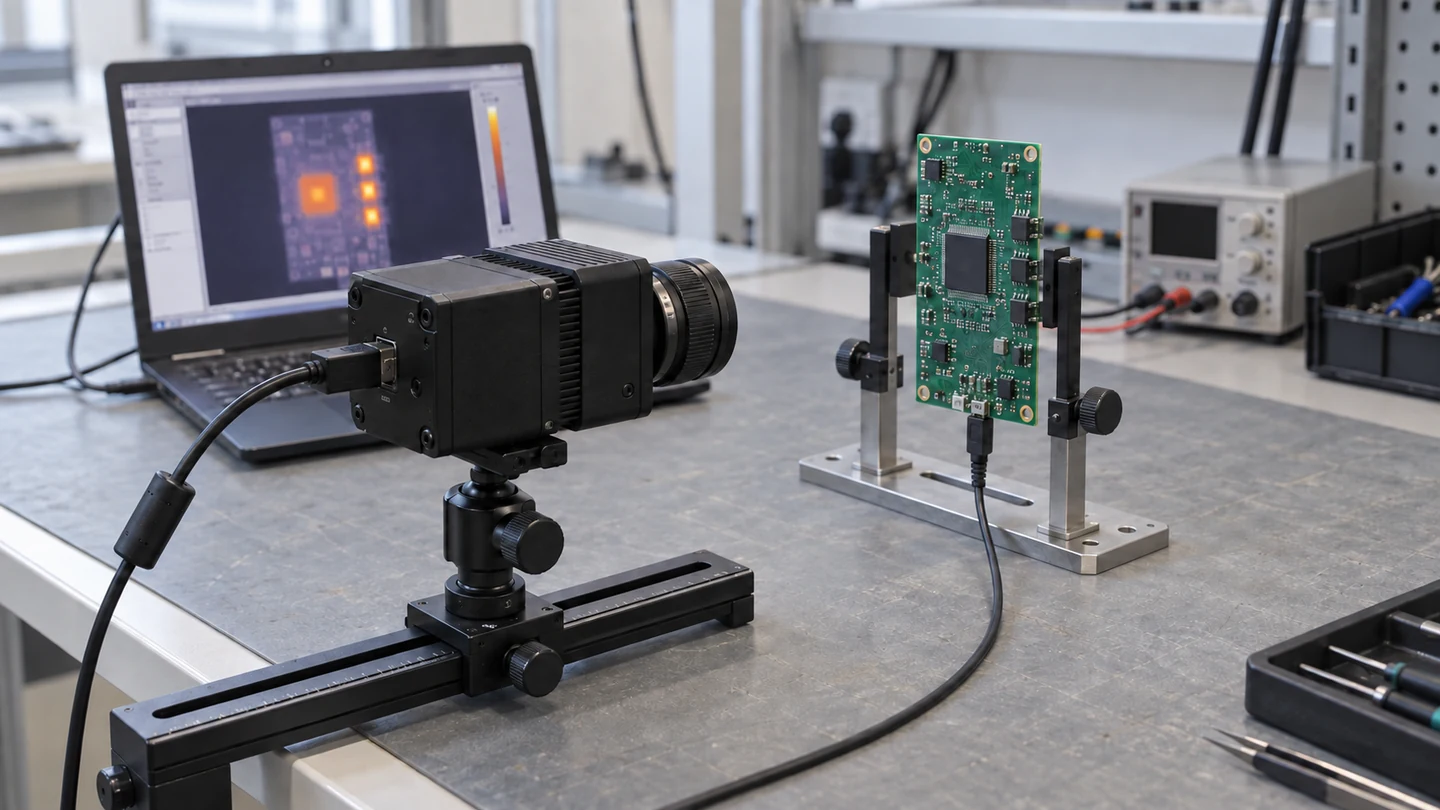
WHAT TO DEFINE
Thermal observation, visible imaging, or a system that uses both channels.
Accepted video format, control connection, connector pinout and required conversion hardware.
Board footprint, assembly depth, lens protrusion, cable routing and mounting points.
SOURCING DISCUSSION
A compact core does not describe the space required by the complete assembly. Bring the host interface and mechanical constraints into the discussion early. Confirm the selected video output, control connection, connector pinout and any interface board or cable needed by your equipment.
The integration setup and screen image are illustrative. They are not a TORSUN installation or captured output from the listed MINI 640-2. Calibrated temperature data and application software must be confirmed separately if required.
Read the selection guideCOMPONENT REFERENCE
A compact core for thermal observation.
Application scenes and thermal views are AI-generated illustrations. They do not depict TORSUN facilities, customers or completed projects, and are not captured output from the listed modules.
Start with the conditions and requirements your design depends on.